
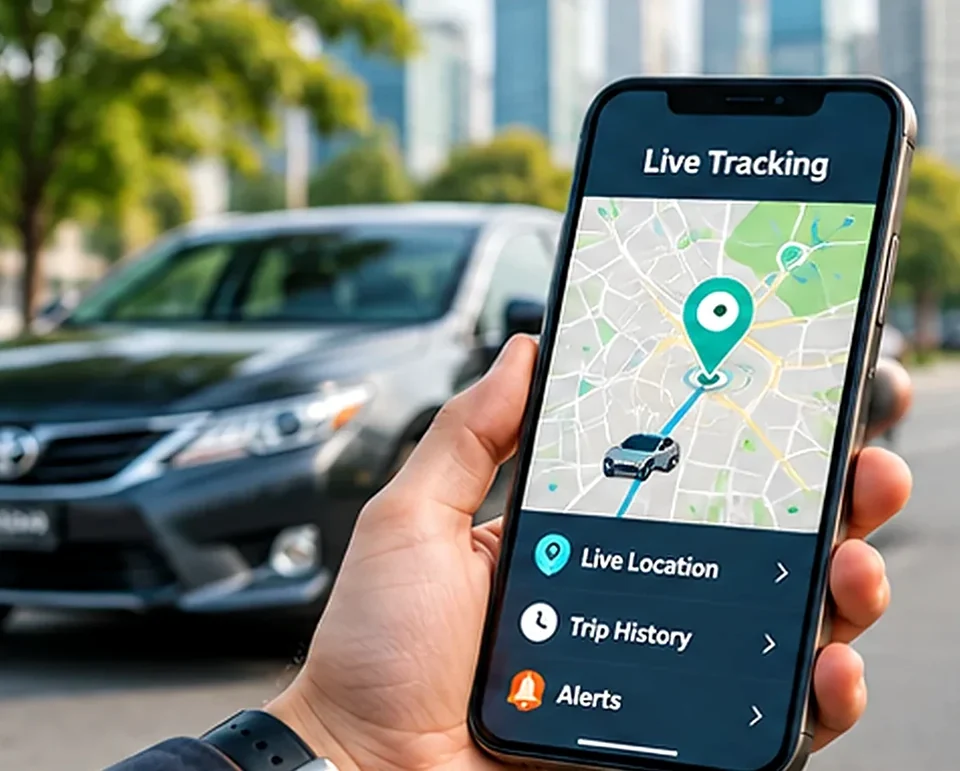
What a geo-fence is
A geo-fence is an invisible line you draw on the map around a place you care about. When your car crosses that line, in or out, your phone gets a notification. It's one of the most useful tracker features, as long as you set it up thoughtfully.
Start small
Begin with one boundary around where the car sleeps at night. Add a second around your office or your child's school if you need it. Use the ignition alert for times the car should be still. After a week, look at which alerts helped and switch off the ones you ignored.
Good geo-fence examples
- Home parking: alert when the car leaves overnight.
- Office or shop: confirm arrival and departure times.
- School: know when the school run has arrived.
- Business depot: see when vehicles leave and return.
Setting speed alerts that help
Choose a threshold that reflects the roads your driver uses. A motorway limit is different from a city limit. Too low and you will ignore constant notifications; too high and the alert is pointless.
Avoid alert fatigue
Turn on only the alerts you will act on. Fewer, meaningful notifications are more useful than dozens a day. Review your settings after the first week of use.
Ideas for families
Parents often set a boundary around school and tuition so they know when the car arrives and leaves. Families with an elderly driver might set one around home and the local market. If you travel abroad, an ignition alert on the car left at home is a simple way to sleep easier.
Ideas for businesses
Draw boundaries around your depot, warehouse and key customer sites. Use after-hours ignition alerts to catch unofficial use, and speed alerts for drivers on the motorway. Review alerts weekly with your team so they lead to action, not just notifications.